Getting Started
Everything you need to know to set up your account and create your first AI mockup in under a minute.
In this guide
What is StageFlow?
StageFlow is an AI mockup generator built specifically for Etsy sellers. It takes your product images and transforms them into stunning lifestyle photos — the kind that would normally require a camera, props, backdrops, and hours of editing.
Instead of hiring a photographer or wrestling with Photoshop, you just upload your product image, describe the scene you want, and let the AI do the heavy lifting. In seconds you get a professional-quality mockup ready to use in your Etsy listings.
Whether you sell candles, jewelry, stickers, pottery, or printable art, StageFlow helps you create scroll-stopping listing photos that showcase your products in real-world settings — without ever leaving your desk.
Creating Your Account
Getting started takes about 30 seconds. You can sign up using your Google account for one-click access, or create an account with your email address and a password.
If you sign up with email, you will receive a confirmation email to verify your address. Just click the link in that email and you are all set. Google sign-ups are verified automatically.
Tip: Every new account comes with 10 free credits so you can try StageFlow before committing to a plan. No credit card required.
Your First Mockup in 60 Seconds
Ready to see what StageFlow can do? You do not even need an account to start — just head to the Create page and follow these steps:
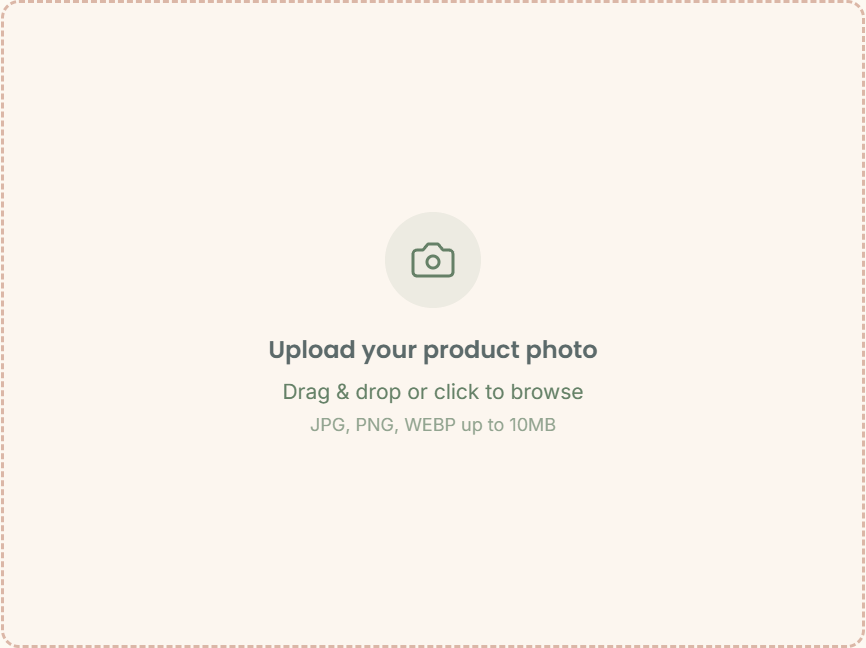
- Upload your product image — Drag and drop a photo of your product onto the upload area, or click to browse your files.
- Write a prompt or pick a template — Describe the scene you want (for example, "rustic wooden table with morning light and a coffee cup nearby") or choose from our ready-made prompt templates.
- Adjust creative controls (optional) — Set an environment, vibe, color temperature, or camera angle to fine-tune the look.
- Hit Generate — If you are not signed in yet, you will be prompted to create a free account (takes 30 seconds). A default project and 10 free credits are set up automatically.
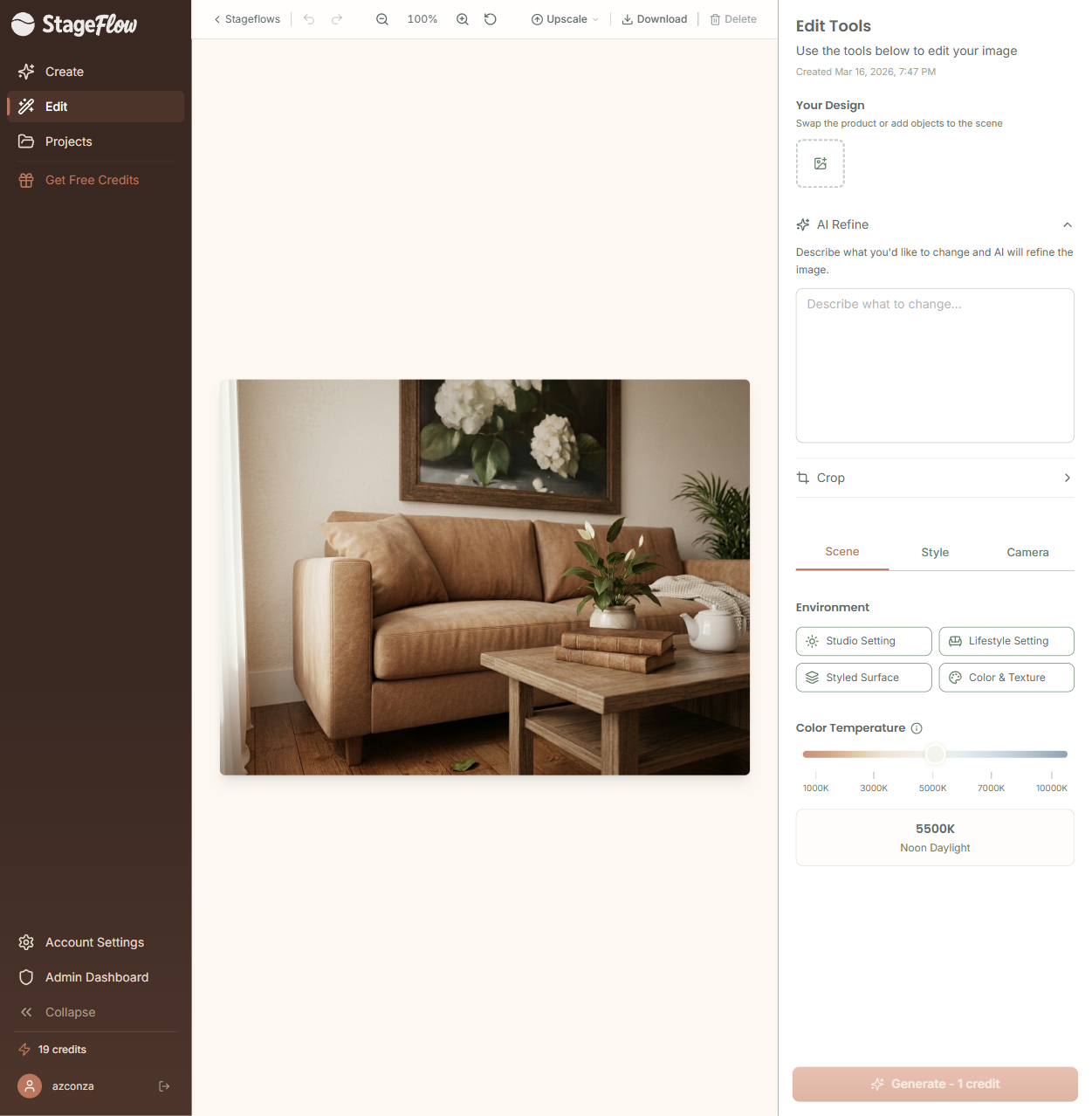
- View your result — After about 15 to 30 seconds, you will be automatically taken to the Edit page where your finished mockup is waiting. From there you can refine, crop, upscale, or download.
That is it. Upload, describe, generate. One credit, and you have a professional mockup ready for your Etsy listing.
Navigating the App
StageFlow is organized into four main areas, all accessible from the top navigation bar:
- Create — This is where new mockups are born. Upload images, write prompts, adjust creative controls, and generate.
- Edit — After generation, you land here. Refine your mockup with follow-up prompts, swap images, adjust the scene, crop, upscale, and download.
- Projects — Your organizational hub. Browse all your projects, see their mockups, and keep everything tidy.
- Account — Manage your profile, subscription, credit balance, and billing settings.
The top navigation bar is always visible, so you can jump between these areas at any time without losing your place.
Understanding Credits
Credits are the currency that powers your mockup generation. Here is how they work:
- 1 credit = 1 mockup generation or 1 edit refinement
- First upscale — free — Every image gets one free upscale, your choice of 2K or 4K.
- Free actions — Downloading, cropping, and saving mockups never cost credits
Every free account starts with 10 one-time credits so you can explore the full workflow before choosing a plan. Once you are ready to scale up, our subscription plans offer monthly credit bundles at much better value.
Tip: You can check your remaining credit balance at any time from the Account page or in the top navigation bar.
Still have questions?
support@stageflow.ai